Free Downloads
Script Supervisor Templates (Free PDF Forms)
The five sheets a script supervisor actually fills in on a shooting day: the take-by-take notes, the continuity sheet, the end-of-day progress report, the circle take sheet for the editor, and the camera continuity log. Every one is a free, printable US Letter PDF. No signup, no email wall.
The script supervisor's forms
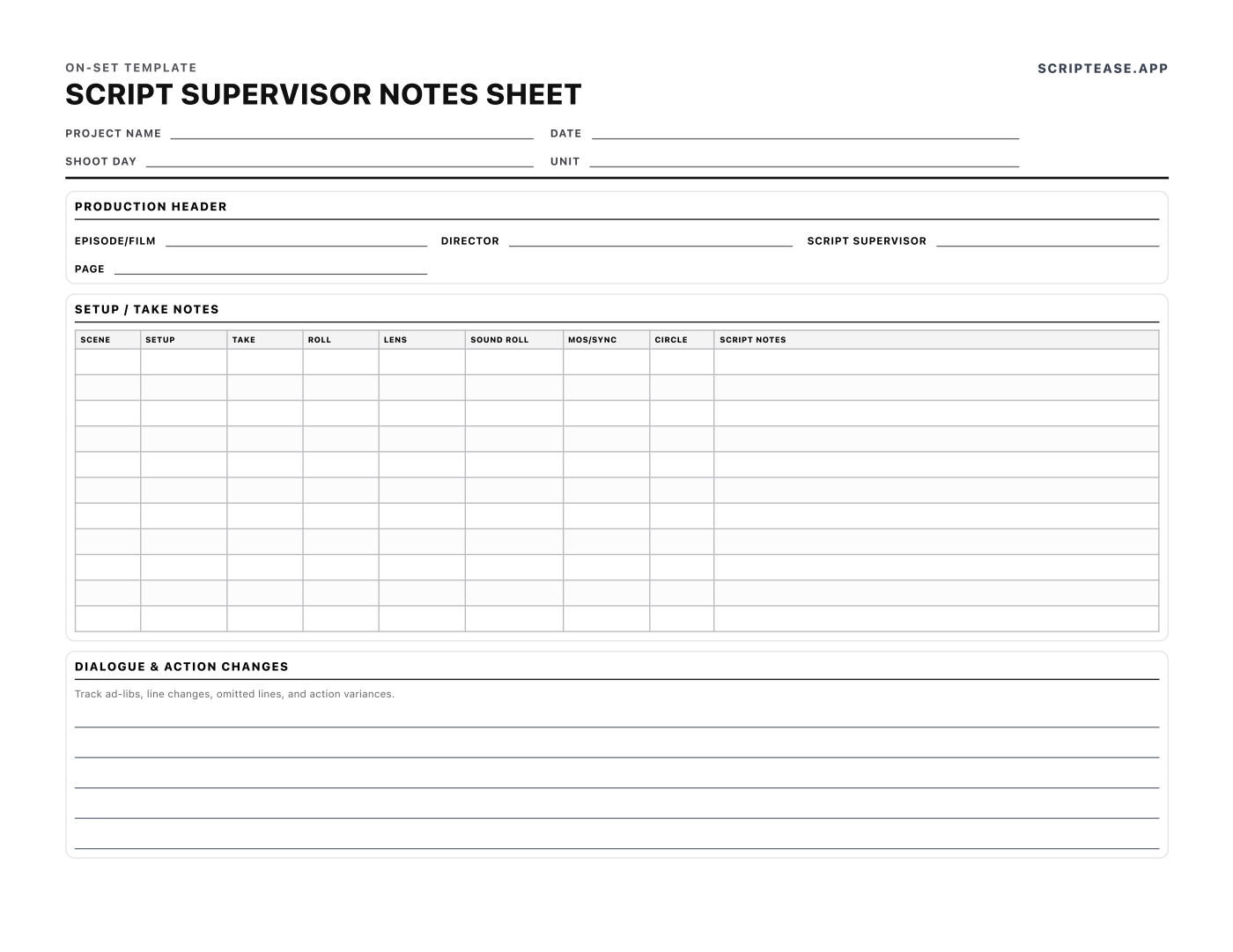
Script Supervisor Notes
Free script supervisor template (PDF). A printable script supervisor sheet to log scene, setup, take, roll, lens, sound roll, MOS/sync and circled takes — landscape US Letter, no signup.
View & download →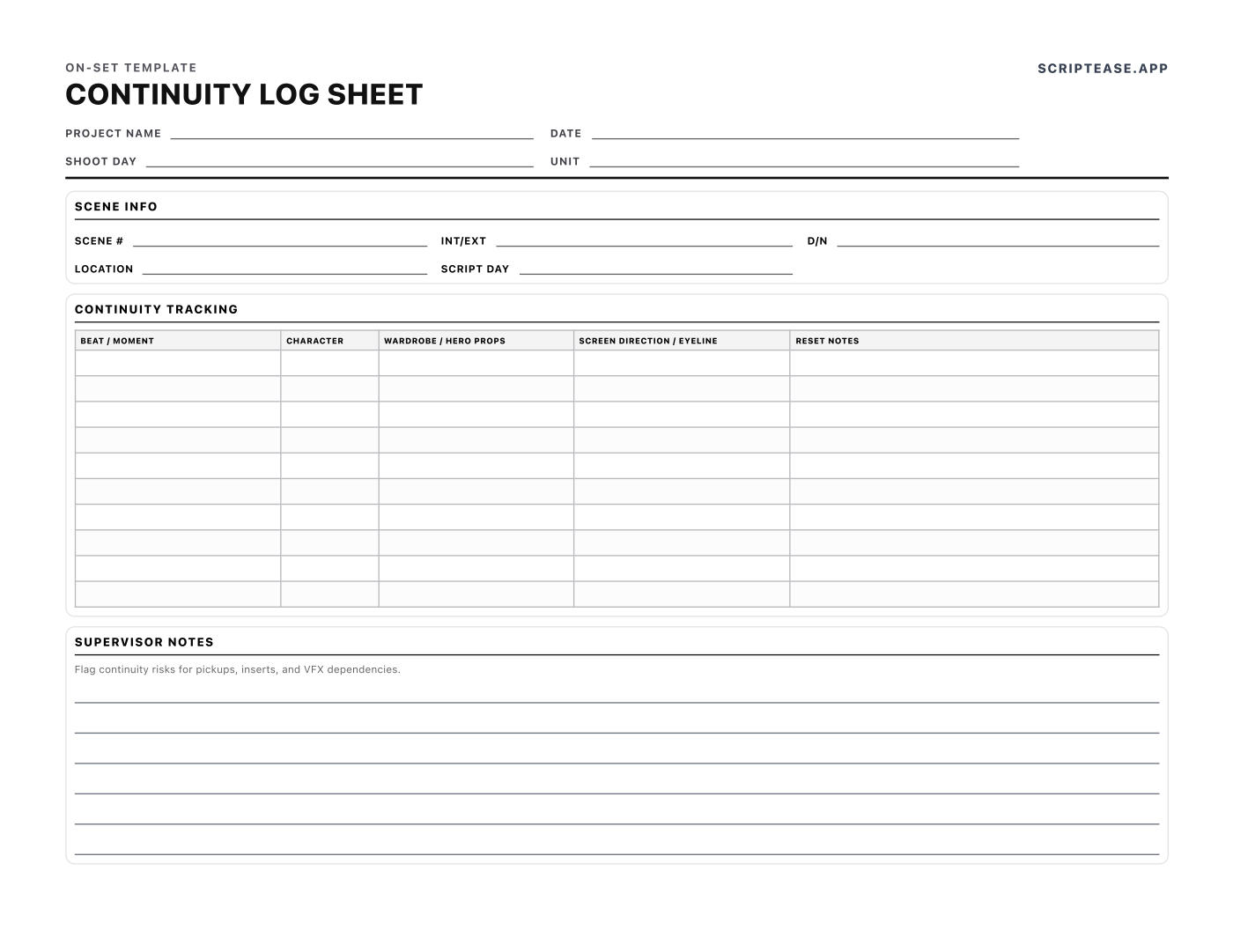
Continuity Log
Free printable script continuity sheet and continuity log. Track beats, wardrobe, hero props, screen direction, eyelines and resets scene by scene. Landscape US Letter PDF.
View & download →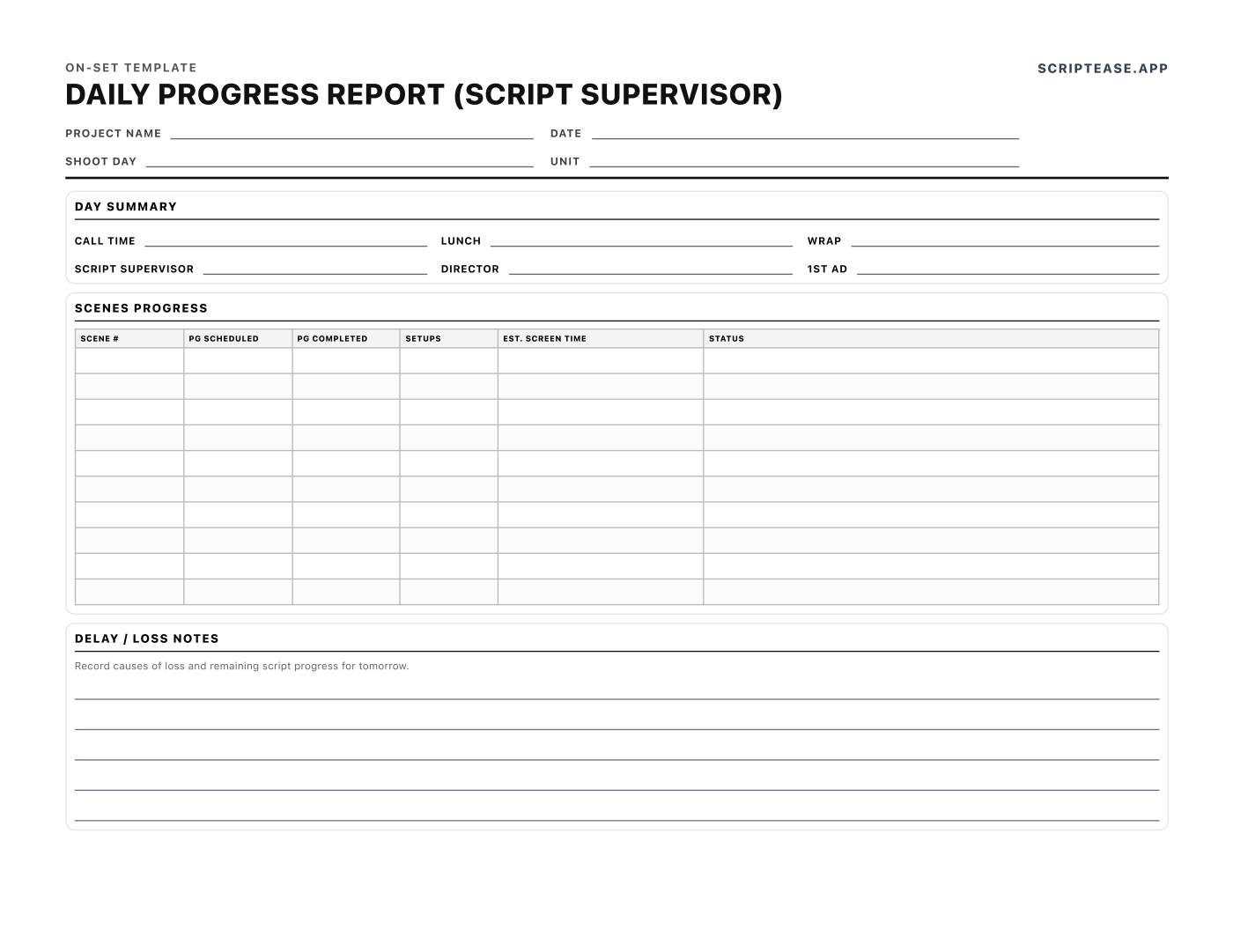
Daily Progress Report
Free script supervisor daily report and daily log: pages scheduled vs completed, setups, estimated screen time and causes of loss. Printable US Letter PDF.
View & download →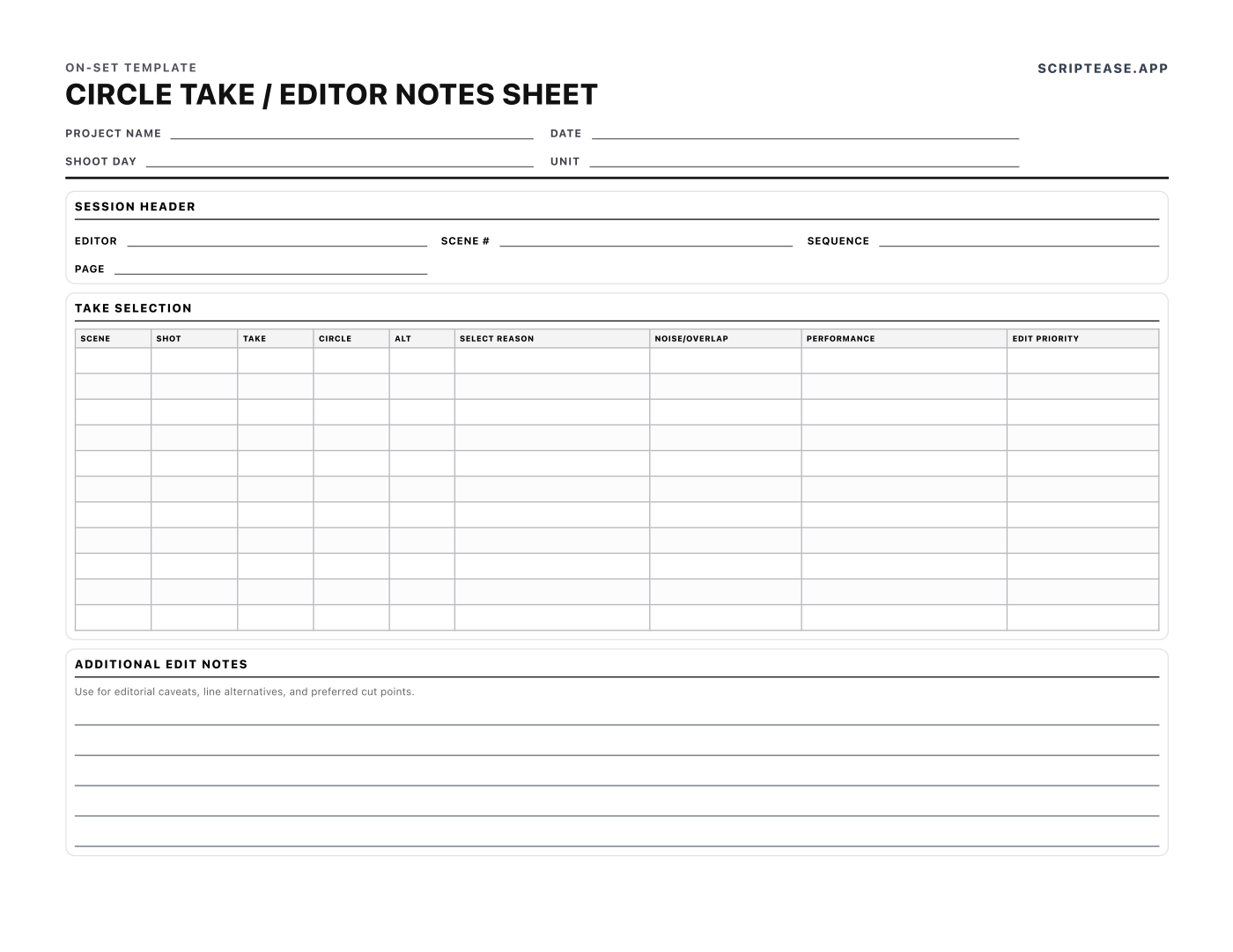
Circle Take / Editor Notes
Free printable circle take and editor notes sheet. Log selects, alternates, overlap, performance and edit priority for the cutting room — US Letter PDF, no signup.
View & download →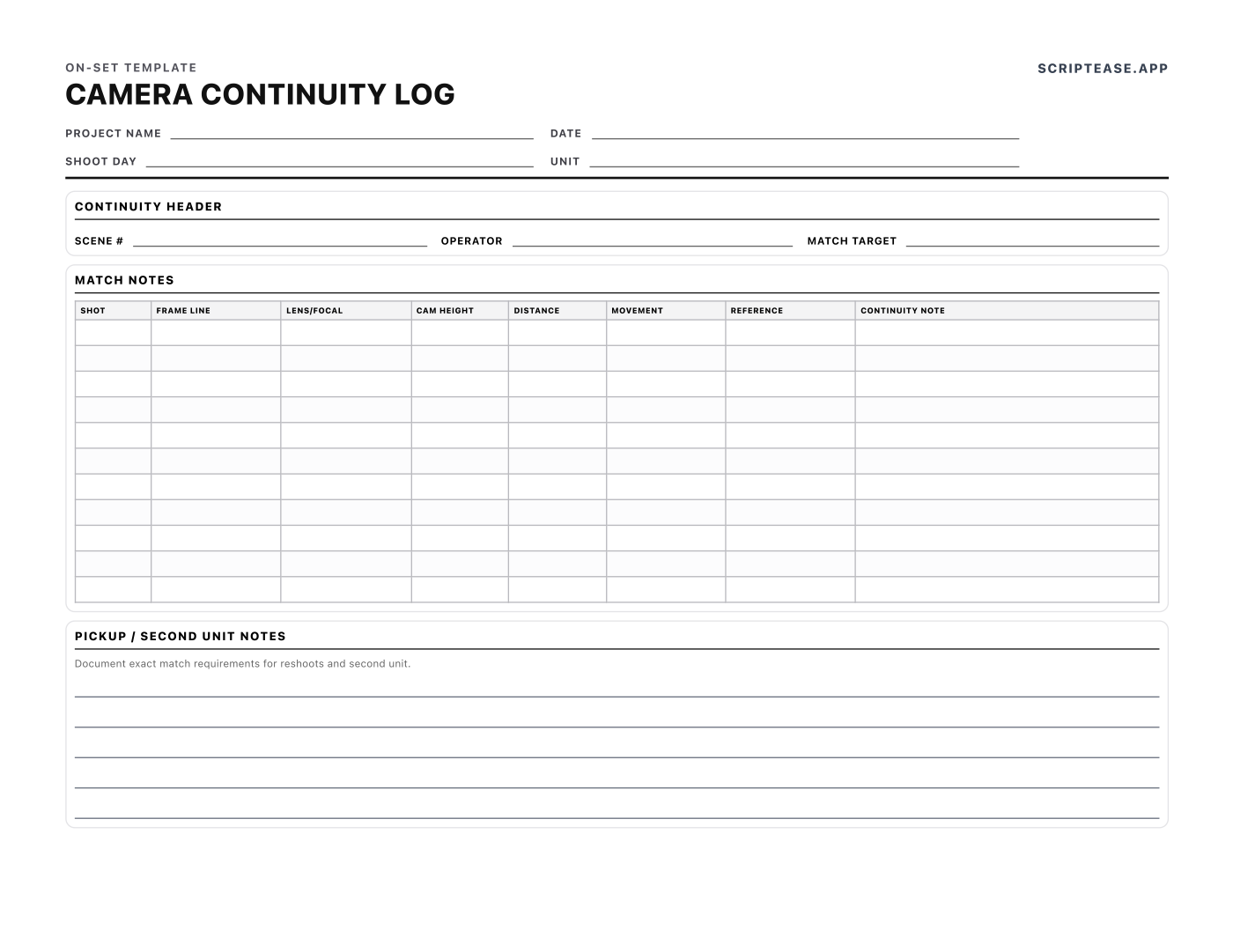
Camera Continuity Log
Free printable camera continuity log. Record frame line, lens, camera height, distance and movement so pickups and second unit match — US Letter PDF, no signup.
View & download →Which sheet do you need, and when?
- During every take — Script Supervisor Notes. The running log: scene, setup, take, camera and sound roll, lens, MOS or sync, and which takes are circled. If you only print one form, print this one.
- Between setups — Script Continuity Sheet. Beat by beat: which hand held the glass, screen direction, eyelines, hero props and what has to be reset. This is what you check against when the reverse is shot hours later.
- When camera moves — Camera Continuity Log. Frame line, lens, height, distance and movement, so pickups and second unit can match the original setup.
- At wrap — Daily Progress Report. The script supervisor's daily report: pages scheduled vs completed, setups, estimated screen time and causes of loss. It goes to production alongside the DPR.
- For editorial — Circle Take / Editor Notes. Selects, alternates, overlap and performance notes, so the cutting room knows what the director liked and why.
How to use these forms well
Keep one numbering system across every sheet. The scene and setup numbers on your notes have to match the slate, the camera report and the sound report, or editorial spends a day reconciling them. Write continuity as states, not descriptions: "glass in right hand, half full" can be matched; "holding a drink" can't. And file the daily progress report the same day. It is the number tomorrow's schedule gets re-cut from.
For the bigger picture of the job, read our guide to script supervising and continuity log sheets. Other departments' continuity forms (wardrobe and costume, hair and makeup, props) are in the full template library.
Prefer to log takes on an iPad? Try Scripty →
Free to download and use on any production, commercial or not. No attribution required, no signup. Please don't resell them or repackage them as your own.